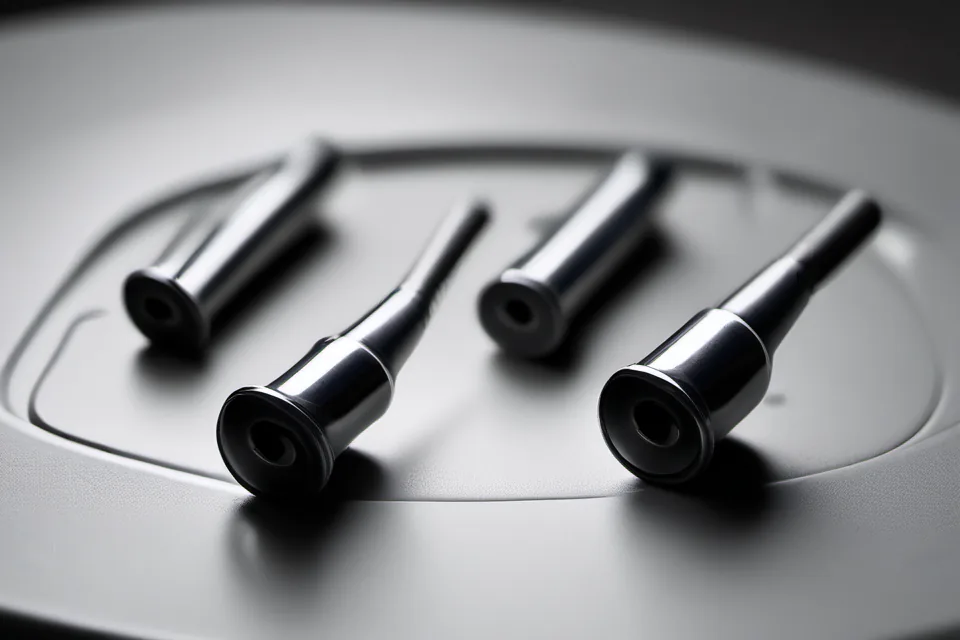
Chatter in small-diameter milling limits tool life and surface finish quality, costing time and material. EC426 tools reduce chatter by maintaining stability across a wide range of cutting parameters. Hardness between 89–93 HRC ensures durability; geometry minimizes vibration at high speeds like 17000 rpm or lower feeds such as 50 mm/min. Stability extends tool life, improving efficiency and reducing waste in production runs. Workpiece support can be less critical with EC426 due to optimized design features. This allows for more flexible machining strategies without compromising on surface finish quality.
The symptom as it appears
Chatter appears as a regular, periodic waviness on machined surfaces of small parts. This waviness reduces surface finish quality and shortens tool life significantly. During chatter, the cutting edges chip and wear faster than usual, reducing their sharpness quickly. Tool holders and fixtures may also show signs of vibration marks over time. Waviness typically increases with higher spindle speeds and lower feeds in the moulding process. Inspecting the worn EC426 tool reveals uneven flank wear patterns along the cutting edge.
These patterns indicate that specific areas experience more stress during chatter. The carbide material, despite its hardness range from 89 to 93 HRC, shows signs of rapid degradation under these conditions. Changing operating parameters such as spindle speed and feed rate can mitigate chatter effects but does not eliminate them entirely. Properly supporting the workpiece stabilizes the cutting process by reducing vibrations at their source. Using shorter tools with similar geometries also helps in managing chatter effectively during milling operations.
| Specification | Value |
|---|---|
| Shank diameter | 6 mm |
| Diameter | 1 mm |
| Carbide hardness | 89–93 HRC |
What can produce that symptom
Chatter occurs when vibrations between the tool and workpiece reach resonance. This happens at specific cutting speeds, such as 17000 rpm or 60 m/min for EC426 tools. High feed rates can also trigger chatter, especially around 50 mm/min or 80 mm/min in mould milling. Shortening the tool length from 6 mm to 1 mm reduces chatter frequency range.
Workpiece rigidity affects chatter onset; a less rigid setup increases likelihood of vibration at lower speeds. Adjusting speed below resonance points like 7000 rpm minimizes self-excited vibrations. Feed per tooth also plays a role, with optimal values around 0.05 mm/tooth reducing the risk significantly. Properly setting the axial depth of cut to less than tool diameter avoids excessive vibration amplitude.
The order to check things
Start with the least expensive option first: adjust cutting parameters. Reduce speed or increase feed rates to avoid resonance frequencies, typically around 60 m/min or 17000 rpm. Next, consider shorter tool lengths for smaller diameters, like from 6 mm shank to 1 mm tip. Shorter tools dampen vibrations more effectively than longer ones can. Support the workpiece better if chatter persists.
Use vise jaws or clamps to secure parts firmly, reducing flexibility and vibration. After securing the workpiece, try altering the spindle speed in small increments away from resonant values. Testing at 10000 rpm or 7000 rpm might show improved stability over 17000 rpm conditions. Finally, if all else fails, consider changing to a stiffer tool geometry like EC426. Its design reduces chatter by enhancing the dynamic stiffness of the cutting system.
Confirming the cause before changing anything
To confirm chatter is due to resonance, measure the waviness on the machined surface with a profilometer at different speeds and feeds. Compare these measurements against known chatter frequencies for your tool diameter and material hardness range. If the waviness matches expected chatter patterns, changing cutting parameters may resolve the issue. Start by reducing speed or increasing feed rate to move away from resonance points identified in tests. This method avoids unnecessary tool changes or workpiece modifications that are more costly solutions.
Before altering any setup beyond parameter adjustments, verify if chatter persists at lower speeds and higher feeds. Adjusting these variables can prevent vibration without changing the machine or toolholder configuration. If chatter still occurs despite optimized parameters, consider examining the stability lobe diagram for your specific setup. This diagram provides a visual guide to cutting speed and feed combinations that minimize vibrations. Consulting this diagram ensures you operate in stable regions, enhancing both surface finish quality and tool life.
Frequently asked
How do I stop chatter when using small-diameter milling cutters?
Chatter occurs due to self-excited vibrations between tool and workpiece, creating wavy surfaces and chipped edges. To resolve, shorten the tool, adjust speeds away from resonant frequency, or better support the workpiece.
What causes chatter in carbide end mills during mould milling?
Chatter is caused by vibration at specific cutting speeds, which leads to poor surface finish and damaged tools. Adjusting spindle speed or feed rate can mitigate this issue effectively.
Why does my EC426 cutter vibrate when used with 1 mm diameter?
Vibration in the EC426 cutter likely indicates chatter due to high cutting speeds or inadequate stiffness of the setup. Reducing rpm, altering feed rates, or reinforcing workpiece support helps stabilize machining operations.