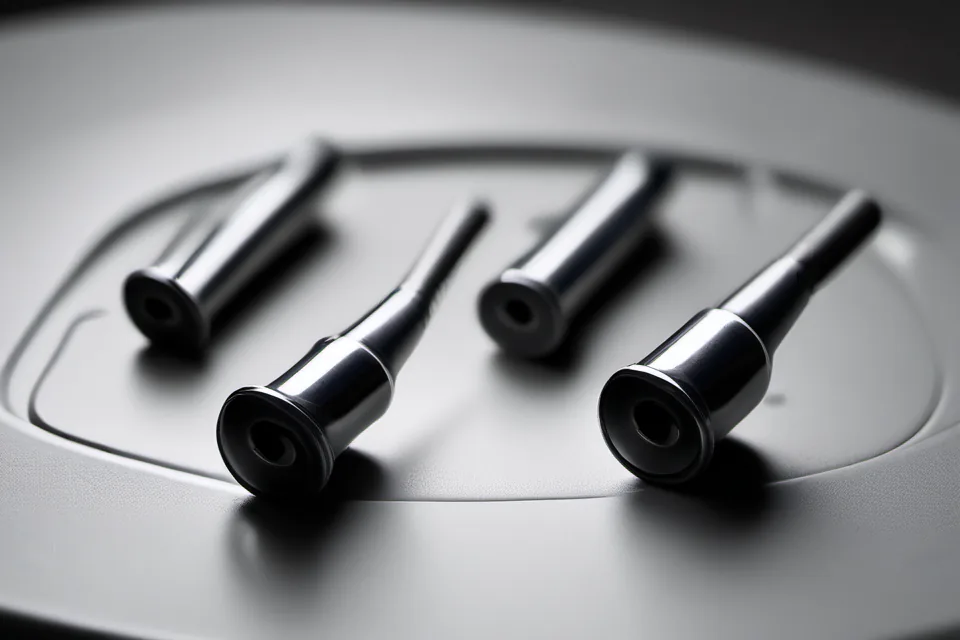
DC426 carbide tools maintain sharpness longer than competitors when cutting carbon steel, reducing need for frequent replacements. Their hardness ranges from 89 to 93 HRC, resisting wear effectively. This durability supports stable machining parameters over extended periods, enhancing part consistency and productivity significantly. Tool geometry with a 118-degree point angle minimizes chip formation issues during cuts. Reliable performance ensures smoother operations even at high speeds up to 25000 rpm or lower for heavier duty cycles down to 15000 rpm.
The mechanism
Carbide's hardness range from 89 to 93 HRC resists carbon steel wear effectively over extended periods at high speeds. The DC426 series operates efficiently across a wide speed spectrum: 25000, 18000, and 15000 rpm ensure versatility for different applications. At these RPMs, the feed rates of 50 to 750 mm/min maintain optimal chip control and surface finish without excessive tool wear. A point angle of 118 degrees balances cutting forces evenly across the tool edge during carbon steel operations. This geometry also minimizes stress concentrations at high speeds, contributing to longer operational life compared to tools with different geometries.
Lower cutting speeds require slower feed rates to maintain optimal chip thickness and prevent overheating issues. Higher speeds demand faster feeds to ensure chips do not pile up on the tool flank, causing accelerated wear. Maintaining a balanced vc between 100 and 180 m/min helps manage temperature rise at the cutting edge effectively. Proper selection of RPM and feed rate according to material hardness ensures consistent performance and minimizes premature flank wear. The DC426 series demonstrates superior durability in carbon steel applications due to its precise geometric design and robust substrate structure.
| Specification | Value |
|---|---|
| Point angle | 118 ° |
| Carbide hardness | 89–93 HRC |
| Series diameter range | 0.04–3 mm |
The conditions that produce it
Flank wear appears when cutting speeds exceed material limits or if the carbide's hardness is insufficient for carbon steel's demands. At 50 mm/min feed rate and above 100 m/min cutting speed, DC426 shows minimal wear due to its optimal geometry. Operating below 750 mm/min feed rate reduces flank wear significantly but requires more passes per part. Using a point angle of 118 degrees ensures even distribution of cutting forces across the tool's surface.
Flank wear starts when the carbide hardness falls below 89 HRC, indicating suboptimal material selection for carbon steel. Maintaining speeds between 25000 and 15000 rpm minimizes thermal stress on the DC426 tool edge while cutting carbon steel efficiently. Lowering feed rates to 75 mm/min at slower speeds helps in reducing wear but increases cycle time. Properly selecting the appropriate hardness range ensures durability against prolonged use in abrasive conditions.
How to recognise it on the tool
Flank wear on DC426 tools appears as a gradual, thin layer of material removal along the cutting edge flank. This layer typically starts near the tool's tip and progresses towards its base. The worn area often shows a uniform light grey to dark grey discoloration due to friction heating. Operators may confuse early stage flank wear with minor thermal discolouration from initial use until the surface roughens slightly. Advanced stages of wear show increased surface roughness, indicating significant material loss from continuous cutting.
On parts machined by DC426 tools experiencing flank wear, surfaces exhibit a slight increase in texture compared to freshly cut areas. This change can be subtle and is often only noticeable upon close inspection under magnification. Wear marks tend to follow the tool path and are usually parallel to the feed direction. Operators might mistake this for poor coolant application or inconsistent cutting parameters rather than excessive flank wear. Recognizing these signs early helps prevent further degradation of surface finish quality and prolongs tool life.
What actually removes the cause
To prevent flank wear, reduce cutting speed or increase tool hardness. Higher speeds cause rapid wear and shorten tool life significantly. Harder carbide maintains sharp edges longer under stress. A point angle of 118 degrees ensures optimal chip formation for efficient machining. Slower feeds also help manage temperature rise on the cutting edge.
Many operators instead choose to replace worn tools frequently, which is costly and time-consuming. Frequent replacements do not address underlying causes like improper speed or insufficient hardness. Using DC426 with appropriate parameters achieves better wear resistance at moderate costs. Properly setting rpm between 15000 and 25000 ensures balanced performance for various workpiece sizes. Regular inspection helps adjust machining conditions before excessive wear occurs.
Frequently asked
What is flank wear in carbon steel cutting?
Flank wear occurs as the cutting edge of a carbide tool wears down along the sides during machining, reducing sharpness and efficiency. In carbon steel, this happens slowly due to its low abrasiveness.
How does RPM affect flank wear on DC426 tools?
Higher RPM speeds increase heat generation and stress on carbide tools, accelerating flank wear. For DC426, optimal RPM ranges are 15000 to 25000 rpm for right performance.
What is the ideal feed rate for carbon steel with DC426?
Using a higher feed rate reduces tool heat buildup but can cause increased wear. For DC426 on carbon steel, maintain feed rates between 75 and 180 mm/min to balance efficiency and longevity.