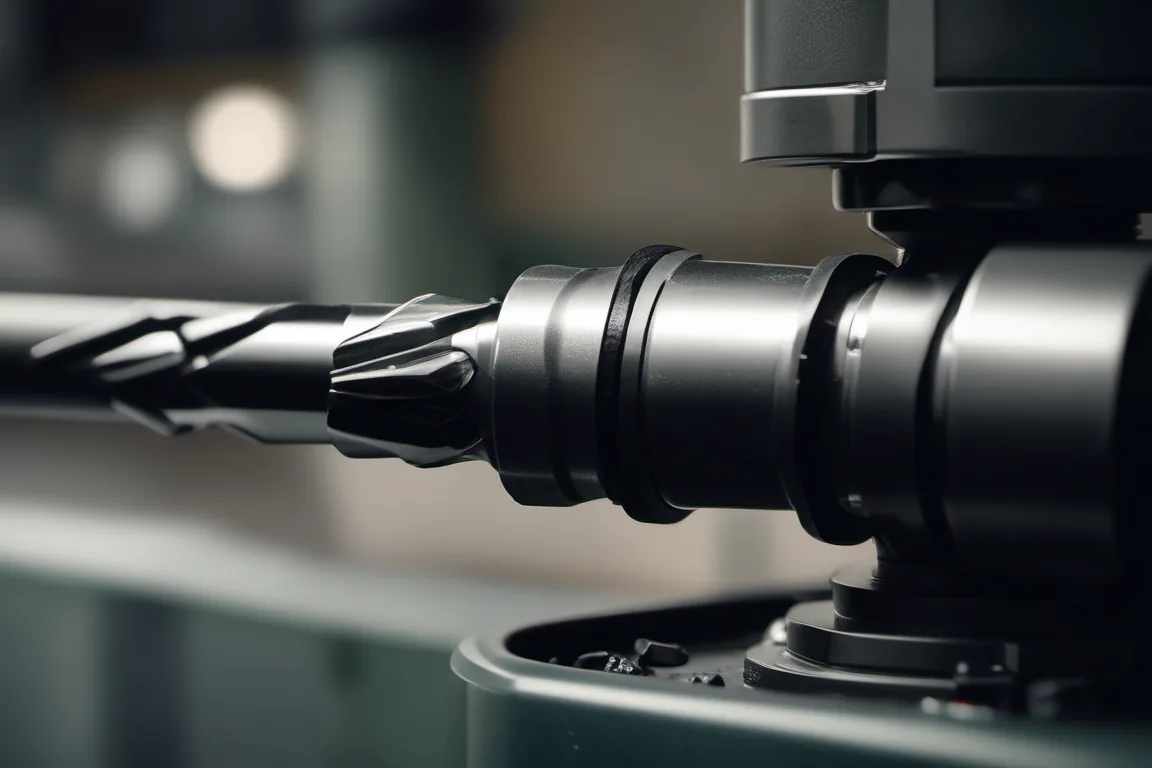
Carbide EC426 tools excel in climb milling with their hardness rating between 89 and 93 HRC, enabling high cutting speeds from 100 to 180 m/min. This range allows for optimal feed rates of up to 750 mm/min and a depth of cut up to 0.5 mm, maximizing tool life and surface finish quality in modern machines without backlash issues.
The variable and the range it can take
The variable for climb versus conventional milling is the cutting direction relative to tool rotation. This affects chip thickness and surface finish differently during machining operations. Climb milling starts with a thick chip, reducing friction between the workpiece and the cutter edge. Conventional milling begins each pass with minimal engagement, creating thinner chips initially but increasing wear on tools over time. This method is preferred for older machines lacking backlash-free drives.
Climb milling uses higher cutting speeds suitable for harder materials like carbon steel at 100 to 180 m/min and mould steels from 60 to 110 m/min. Lower feed rates apply for microfinishing operations, ranging between 50 mm/min and 75 mm/min. Higher feed rates are appropriate during general milling with values reaching up to 750 mm/min in some cases. The choice of cutting data depends on the material being machined and desired finish quality.
What it changes in the cut
Changing from climb milling to conventional milling reduces cutting force because the chip starts thin at entry and gradually thickens, spreading impact over more cutter revolutions. Lower forces in conventional milling decrease tool wear by reducing frictional heating between the workpiece surface and the cutting edge, which stays cooler during initial contact. The thicker chips produced in climb milling remove more material per tooth engagement, concentrating heat into a smaller volume of chip that exits hotter but shorter than those from conventional cuts.
As the force is distributed over fewer teeth for longer periods in conventional milling, wear occurs more evenly across the tool’s cutting edges rather than focusing on individual flutes under peak stress. Conventional milling generates finer chips overall due to the gradual increase in thickness, which can improve chip evacuation and reduce the risk of chip recutting against the workpiece surface.
Where the limit comes from
The limit for climb milling depends on machine rigidity and backlash. A rigid machine can handle higher cutting forces, allowing faster feed rates. Backlash affects precision; machines without it ensure smoother operation.
Carbide EC426 tools work right at high speeds due to their hardness range from 89 to 93 HRC. Lower speed ranges accommodate less rigid setups or softer materials. Surface finish improves with climb milling's constant chip thickness, reducing tool wear over time. For conventional milling, the entry of each cut produces heat and friction that can degrade tool life. Adjusting feed rates based on material hardness ensures optimal performance in both milling techniques.
Setting it in practice
Start with climb milling if your machine can handle high forces without backlash issues. Adjust feed rate higher than conventional milling for better chip removal efficiency and surface finish quality. Begin by setting rpm at a lower end of the range provided in FACTS to ensure stability and tool life. Increase feed gradually while monitoring chatter or vibration, which indicates the limit of climb milling for your machine. If you encounter problems, switch to conventional milling as it starts with thinner chips that reduce cutting force and wear on the tool.
For conventional milling, start at a lower rpm setting than climb milling to avoid excessive forces and heat generation. Begin with feed rates closer to the minimum values given in FACTS to prevent initial rubbing or chattering of the cutter teeth. Slowly increase feed rate while observing how chips form and surfaces look; this tells you if your machine can handle higher speeds safely. Use lower ap settings initially, especially on thin-walled parts prone to deflection under force. Adjust parameters based on chip formation and surface finish quality observed during initial cuts to fine-tune for optimal performance.
Frequently asked
What is climb milling?
Climb milling starts with cutting a thick chip and leaves a better finish than conventional milling. It pulls the tool into the work, requiring machines without backlash for stability.
How does conventional milling differ from climb milling?
Conventional milling cuts thin chips initially, making it safer on older machines prone to backlash. However, it can lead to rubbing at the start of each cut, affecting surface quality and tool life.
When should I use EC426 carbide tools?
Use EC426 for applications needing high wear resistance in carbon and mould milling. Set speeds between 17000–25000 rpm depending on material hardness, with feeds from 35 to 750 mm/min for optimal performance.